
The Rise of Affordable 3D Printing
It’s never been easier to get into 3D printing, and the cheapest way in is to buy a second-hand model. There’s no shortage of these on the second-hand market, but what might seem like a bargain could cost you in time, parts, and effort down the line.
Fortunately, there are a few things you can look for to save money and hassle.
A Growing Hobby with Evolving Technology
There are plenty of second-hand printers out there. Though 3D printing as a concept dates back to the mid-1980s, the technology only became viable for home users in the mid-2000s. It wasn’t until the 2010s that the barriers to entry in terms of skill and price became so low that the number of people printing at home started to explode.
A lot has changed since then, with several decades’ worth of improvements making way for new methods and designs that have improved print quality, reliability, ease of use, and speed. The 3D printing hobby is maturing, and so are its users.
As a result, many are moving on from their five or 10-year-old machines that sparked their love of 3D printing in the first place (some are even older than that). While multi-printer setups have their allure, particularly for those who are constantly making things, many of these older printers are left in the dust by modern advancements.
Advancements in 3D Printing
Arguably, the biggest advancement in this department has come in the form of calibration, notably automatic bed-leveling. To quote 3D printing enthusiast and How-To Geek writer Patrick Campanale: “Once I experienced the features of modern 3D printers, I never wanted to touch the other methods of bed leveling again.”
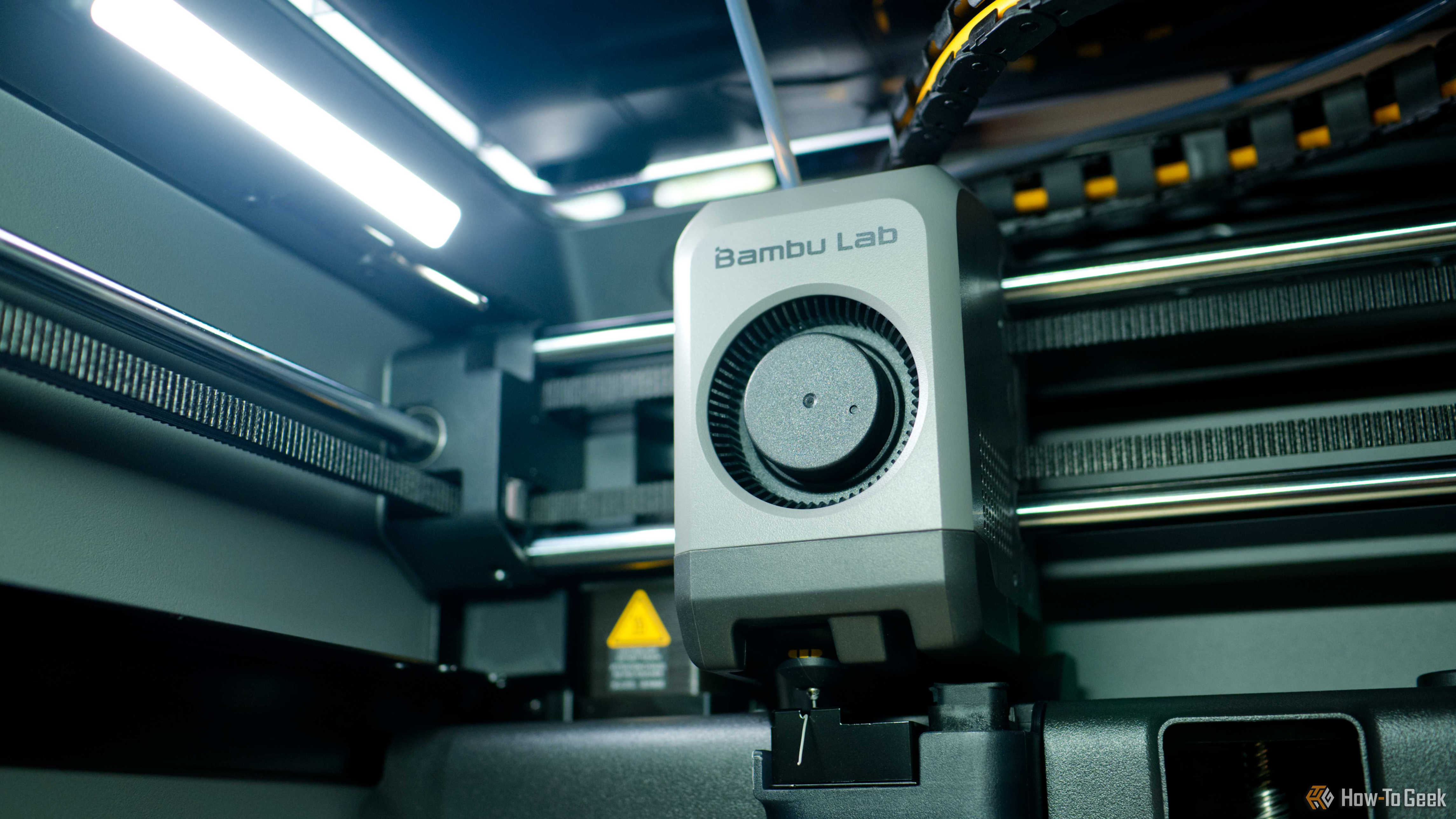
There are plenty of other reasons to upgrade, of course. The rise of manufacturers like Bambu Lab has taken the “sting” out of 3D printing for many, getting way closer to “plug and print” than the hobby has ever been. Enclosed models like the Prusa Core One offer better temperature control for filaments that require higher temperatures. Larger printers, like the Core One L and Bambu Lab’s H series, offer huge build volumes for massive prints. There are even man-sized 3D printers on the market, and they’re affordable.
And so we find ourselves at a moment where the market is flooded with affordable, older printers at bargain prices.
The Hassle of Older Printers
Older printers may be more hassle than they’re worth. A lack of auto-calibration is arguably the main reason to steer clear of older printers. Bambu Lab, for all its faults, built a name for itself by making 3D printing easy. Even Prusa, a traditionally open-source tinker-friendly brand, now advertises “one-click printing” in its marketing copy.
You should understand what you’re getting yourself into before you go in. These older printers are absolutely capable of producing good-quality, functional prints. But you will spend time and effort getting them dialed in, which is not something that newer models will demand of you.
The Creality Ender 3 (and its Pro and V2 variants) is arguably the most famous 3D printer of all time. Creality fostered a dedicated community on account of producing an affordable, upgradeable, and highly performant printer. There are endless tutorials online about how to fix, tweak, and upgrade it, but it’s a thoroughly manual beast.
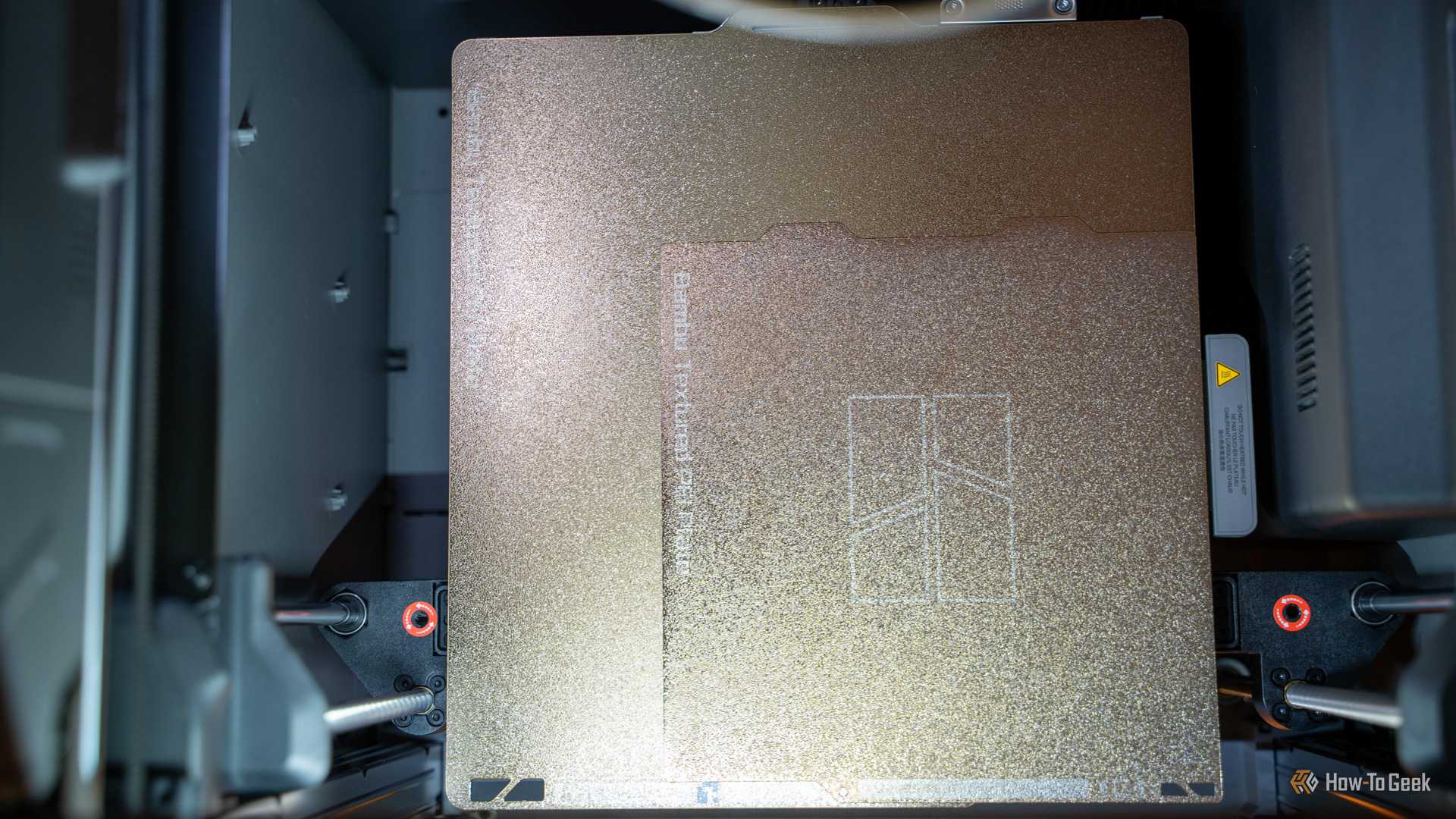
In addition to the time cost you might pay by opting for an older model like this, there are hidden costs to be aware of. Filament is widely considered a consumable item, but other parts only last so long on a 3D printer. Among these are nozzles and build plates, both of which eventually need replacing. Nozzles will clog more as their non-stick coating wears, while build plates will eventually have trouble with prints sticking in place.
The older the printer, the more likely you are to encounter worn tubes, belts that need replacing, and other issues. This is true of any item you buy on the second-hand market, whether it’s a smartphone with a battery that needs replacing or a car with a set of worn tires.
Finding a Balance Between Cost and Convenience
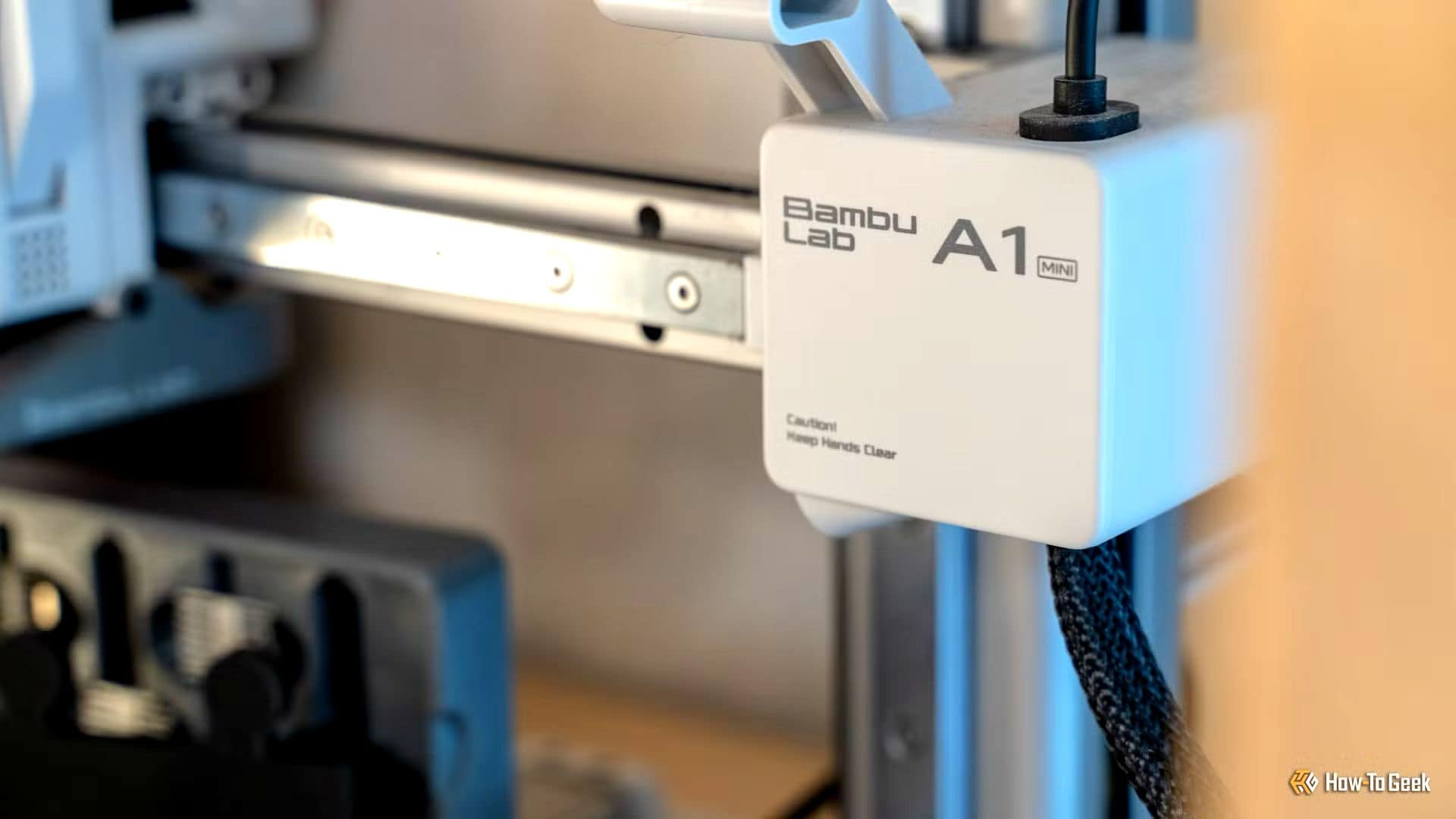
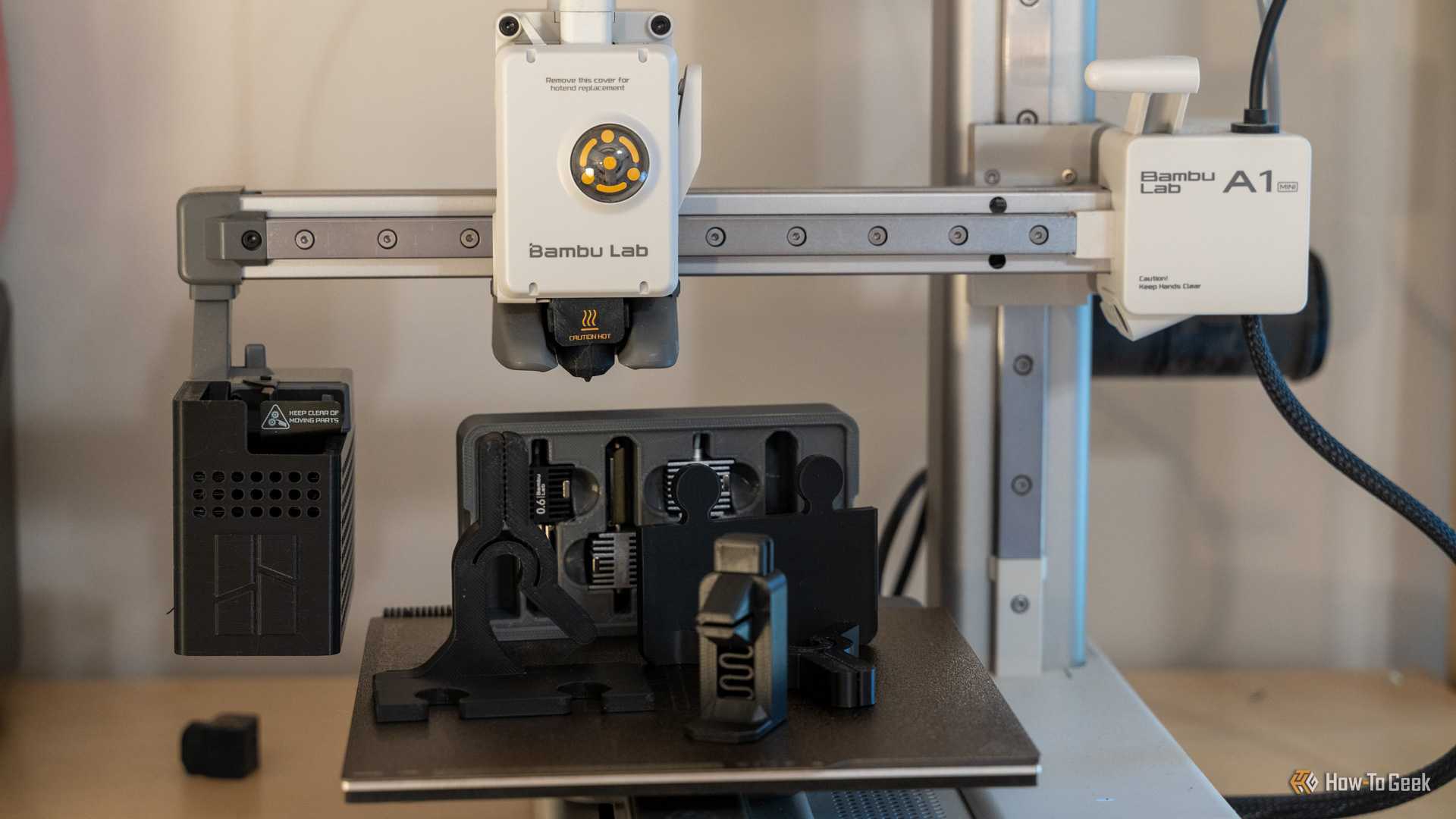
You can save money without the headache. This isn’t to say that there aren’t cheap jumping-on points to take advantage of. If you can stretch the budget to $299, you can pick up a brand new Bambu Lab A1 mini. This pint-sized 3D printer features modern advancements like automatic calibration, multi-material and multi-color printing, and the ability to control the print and start prints from a mobile device.
The larger and more expensive Bambu Lab A1 ($399 new) is another strong contender if you want the same features with a larger build volume for bigger prints. But the real savings can be found on the second-hand market, where these models are available for even less money, as more people upgrade to larger enclosed models. Bambu Lab’s popularity means there are simply more of these in the wild than competing brands.
Another option to consider is the Anycubic Kobra 2 ($169 new), a fast auto-leveling printer with a larger build volume than the A1 mini. Then there’s the Creality Ender 3 V3 SE ($199 new), an update to the classic design with bed leveling and other modern advancements. There’s also the ELEGOO Neptune 4 (starting at $249 new), offering fast prints and high temperature printing on top of its leveling features.
At the absolute cheapest end of the spectrum, you’re going to have to deal with the issues that plagued all 3D printer owners five or ten years ago. With a slightly smarter purchase, you can balance your desire to grab a bargain and the time cost you’ll put into tinkering with your printer over its lifespan.
There are more hidden costs associated with 3D printers you should probably be aware of, too.